| ||||||||||||||||||||
|
MLS Committee Application Deadline October 30 MLS Committee Application Deadline October 30! Apply for the 2027 MLS Committee Here! Members of the MLS Committee are appointed by the President. Appointed applicants will begin their term January 1, 2027. Appointments will be ratified by the MLS Board of Directors, and consideration in making appointments will include but are not limited to:
Members are appointed to 3-year terms. All members appointed will have voting rights. No less than 9 and no more than 15 members will serve on the MLS Committee.
Those appointed shall not serve more than two (2) consecutive terms. Note: Merged and/or acquired MLSs will have representation through the year of executed merger plus a 3-year term. (This would be in addition to the 15 appointed). Appointment of the applicant will be determined by the nominee’s Association and will not exceed the 3-year term. Please submit your application by October 30 at 5 p.m. MLS RULES & REGULATIONS
| ||||||||||||||||||||
|
Revised Residential Purchase Contract Available Columbus REALTORS® and the Columbus Bar Association have updated the residential real estate purchase contract. The new form will be available October 1 through the forms section of the Columbus REALTORS® website and the member portal. It will begin appearing on the other real estate forms sites over the next 7-14 days. Please review the entire contract before use. Be aware that any changes impacting how you prepare an offer might include, but are not limited to, the following: • Buyer broker compensation, Section 1.2: Statement added wherein parties acknowledge broker fees are negotiable and are not set by law. • Current Agricultural Use Value (CAUV) recoupment, Section 4.1: A new selection records whether the buyer will assume agricultural use tax recoupment. • Fixtures and Equipment, Section 5.1: The fixture “Mirrors” has been clarified to indicate “if attached”. • Inspections, Section 6: Unless the parties agree otherwise in writing, the buyer is responsible for obtaining inspections and tests. Pay close attention to the inspection period and the requirements for requesting a remedy or terminating the contract. • Earnest money, Section 12: The separate deposit receipt box from the working draft is gone. The contract still sets out deposit timing, notice and disbursement procedures. • Closing and possession, Section 15: States that the seller retains possession until the later of the date and time entered in the contract or the actual closing. Talk with your broker about how to use the new purchase contract and refer legal questions to an attorney.
| ||||||||||||||||||||
|
Appraisal Process is About to Change: Be Ready for UAD 3.6 New Appraisal Reporting Requirements Are Coming on Nov. 2 New appraisal reporting requirements are on the way, and Columbus & Central Ohio Regional MLS listing data already captures much of the information appraisers will need. To help you prepare, Columbus REALTORS® has created a quick-reference guide. What’s Changing? Fannie Mae and Freddie Mac are updating the Uniform Appraisal Dataset (UAD 3.6) and introducing a redesigned Uniform Residential Appraisal Report (URAR). The new report uses a dynamic format and calls for more detailed, structured property data. Under the UAD 3.6 implementation timeline, all new appraisal reports submitted to the Uniform Collateral Data Portal (UCDP) on or after November 2, 2026, must use UAD 3.6. You can explore the changes, training materials and more in Fannie Mae’s UAD 3.6 overview. How Your MLS Data Can Help Columbus & Central Ohio Regional MLS listing data already supports much of the property information UAD 3.6 requires. Knowing what’s available is a good first step as you prepare for the transition. Tip: The more complete and specific your listing data is (update dates, improvements, condition details), the better it serves appraisers and your clients. Questions or Feedback? We’d love to hear from you. Send questions or concerns about the upcoming changes to support@columbusrealtors.com or call 614-475-4000.
| ||||||||||||||||||||
|
Flexmls Pro App Recent Updates – October 6 The Flexmls iOS app was updated on October 6th to make it faster and easier to search, compare listings, and manage contacts on the go. Most of the changes, except Selected Lisings workflow change, had already been released to the Android and Mobile Web platforms previously. Search with a Radius 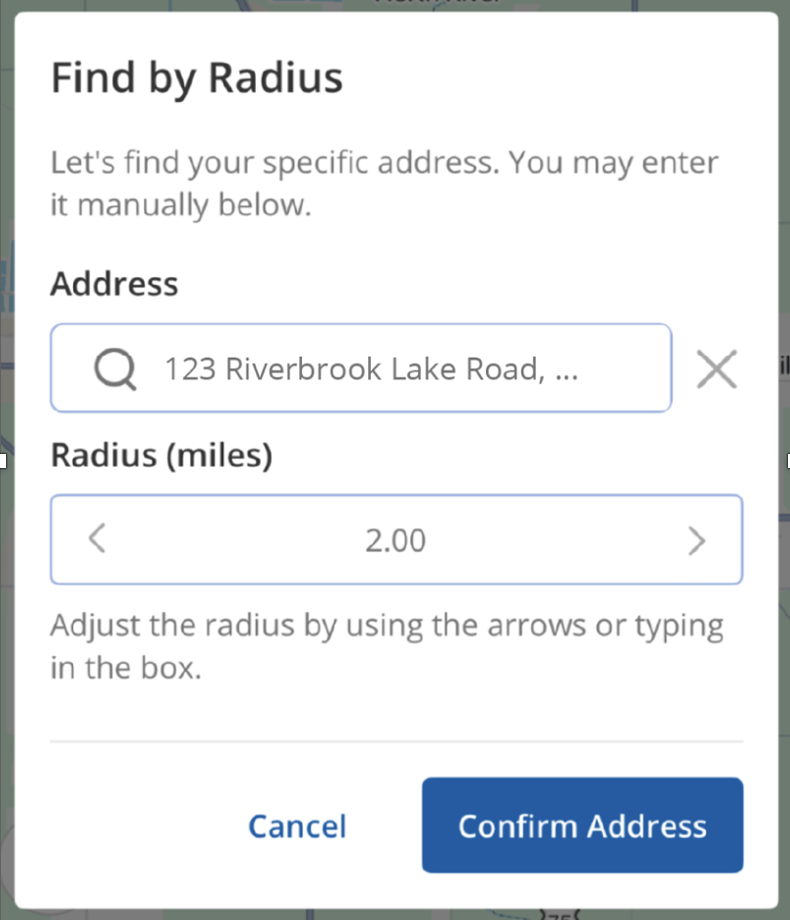 Save Time Adding Contacts from Your Phone Quickly add new contacts by importing them directly from your phone’s contact list instead of entering their information manually. Simply tap Import Contact, then select a contact from your phone’s contact list. Your contact’s information will autofill in the app. You can then quickly save the contact to your Flexmls account. Imported contacts will automatically sync to Flexmls desktop. 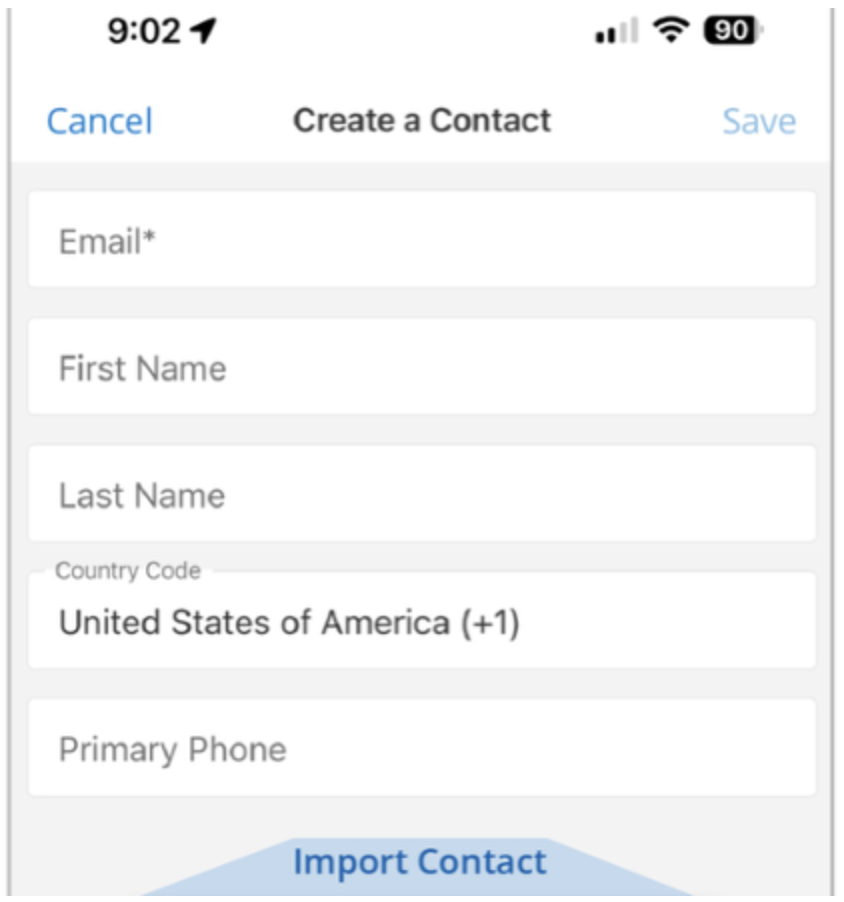 Selecting and Clearing Listings Workflow has Changed (Android and iOS updated) This update was available on Mobile Web previously. It has now been applied to iOS and Android native Flexmls Pro apps. The Selected Collection has been removed from the the Collections page. When you select listings using the checkbox at the corner of a property on the map or on the details page they will automatically be added to a new Selected field at the top of the list or properties. 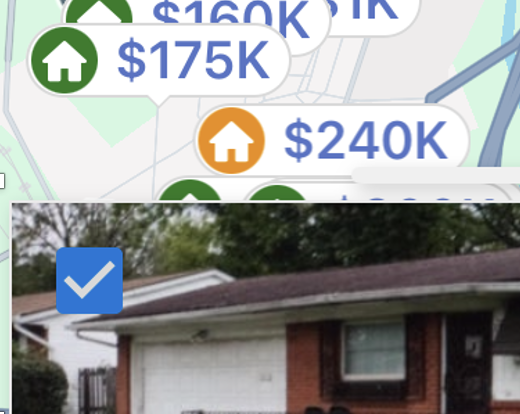 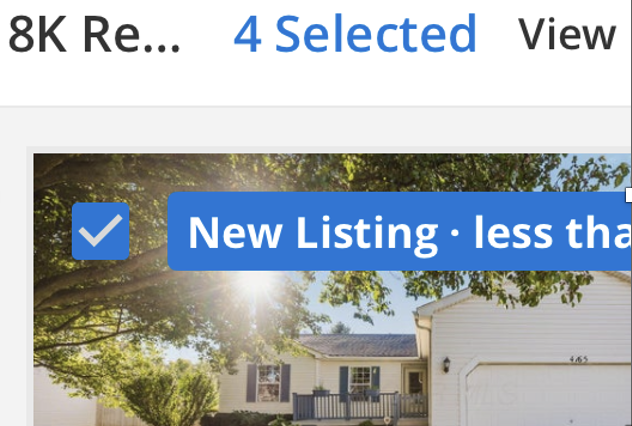 You will be asked whether you wish to clear all previously selected listings at once before beginning a new search. As soon as you begin a new search, you will automatically be prompted to either keep, clear, or always clear your selected listings. 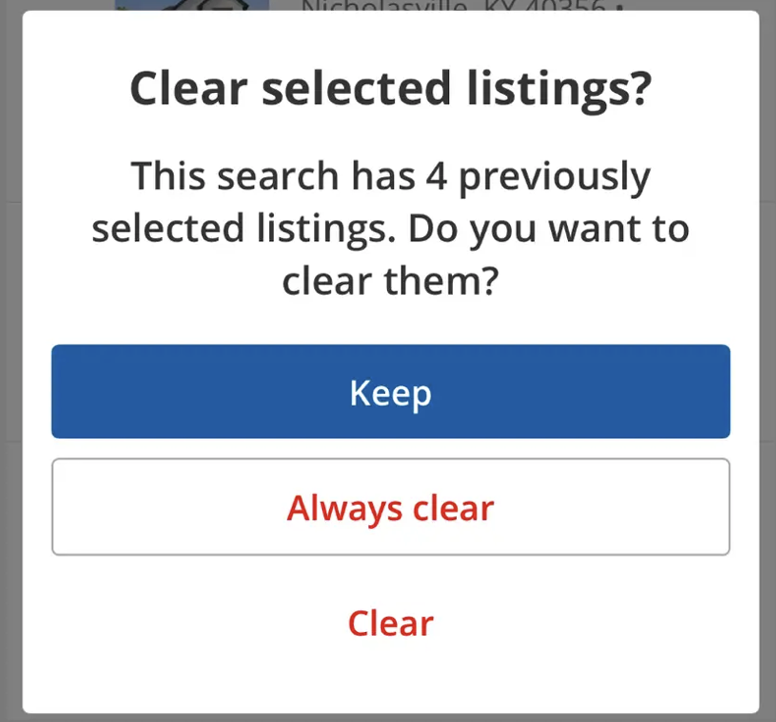 See More Listing Details at a Glance The new List View gives you a data-rich look at your search results, making it easier to scan and compare listing information without opening each listing individually. Swipe left or right horizontally to see additional details. Click on the MLS number to open a listing when you’re ready for a closer look. 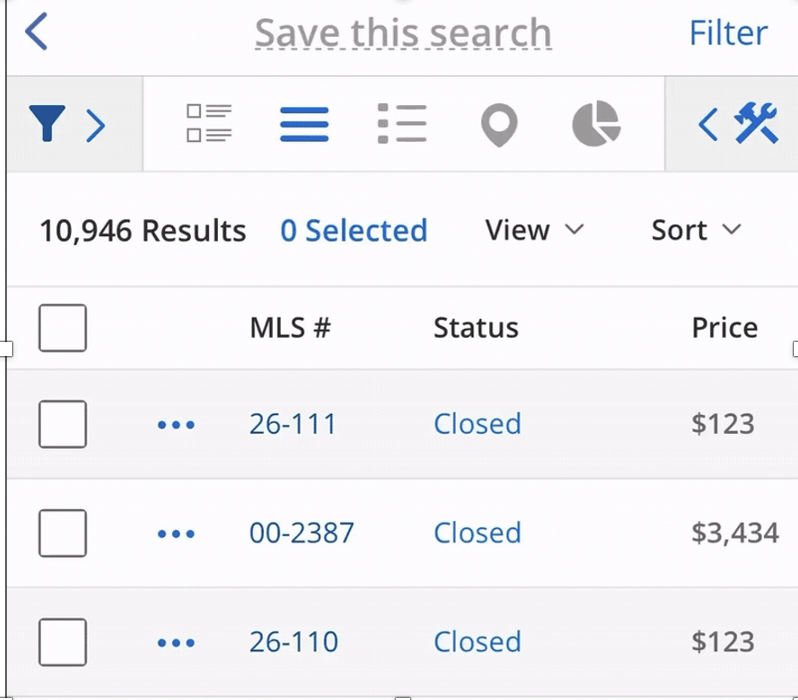
| ||||||||||||||||||||
|
Safety Alert: Aggressive Behavior at Model Home – August 27 Members should be aware of a recent incident at the Glacier Point model home (M/I Homes) where an individual reportedly displayed aggressive, intoxicated behavior toward the model home attendant, including repeated attempts to isolate her from others. A supervisor was required to intervene, and the model has since been closed. The individual is believed to be based in the Dublin area.
| ||||||||||||||||||||
|
Columbus REALTORS Offices Closed Due to Power Outage – Staff Working Remotely – Tuesday, August 25 Due to a power outage, the Columbus REALTORS® headquarters at 2700 Airport Dr., Columbus, OH 43219 will be closed today, Tuesday, August 25. Any meetings scheduled for today will either be rescheduled or moved to Zoom. If you are scheduled to attend a meeting, please watch for an email from your staff liaison or committee chair with additional information. Member Support will remain available by phone (614-475-4000) and email (support@columbusrealtors.com) as usual between 8:30 a.m. and 5 p.m. We appreciate your understanding.
| ||||||||||||||||||||
|
Columbus REALTORS® Office Closures – August 18 & 20 Please note the following Columbus REALTORS® office closures this week: Tuesday, August 18: The Columbus REALTORS® office will be closed for the Central Ohio Real Estate Summit at Hilton Columbus at Easton, giving staff an opportunity to participate in professional development alongside members and industry leaders. Technical support will remain available by phone and email throughout the day. Thursday, August 20: The office will close at 11 a.m. for Employee Appreciation Day for Columbus REALTORS® staff. This time gives our staff an opportunity to step away from the office, strengthen connections and spend time together as a team. Technical support will also close at that time. The office and technical support will reopen on Friday, August 21 at 8:30 a.m.
| ||||||||||||||||||||
|
MLS Tip: Showings of Any Kind are Prohibited During a No Showings Allowed Period What is a No Showings Allowed Period?
Are there any exceptions?
Is there a penalty if a showing occurs?
MLS Policy Referenced: 1.05.04 – Showing a Listing During a No Showings Allowed Period MLS Tip: Showings of Any Kind Prohibited During a No Showings Allowed Period
| ||||||||||||||||||||
|
Supra One/Broker Bay is live in MLS! The new “Showing Service Name” field now allows the listing agent to select which showing service will be used for each new listing they enter into the MLS. Existing listings have automatically defaulted to the previously assigned showing service. It’s still a good idea to verify that those listing have the correct showing service selected in the new field. A BrokerBay or ShowingTime button also appears at the top of the Detail tab.
| ||||||||||||||||||||
|
New “Showing Service Name” field in MLS The new “Showing Service Name” field now allows the listing agent to select which showing service will be used with each new listing they enter into the MLS. Notable changes for showing service selection:
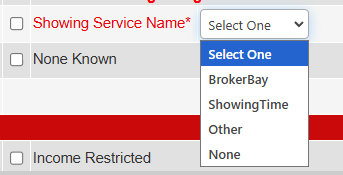

Schedule Supra One Training, Checklist, and FAQ: https://columbusrealtors.com/supra-one-brokerbay *Even if you do not plan on switching to Supra One/Broker Bay, we recommend attending a training session and claiming your log-in
|


