| ||||||||||||||||||||
|
MLS Committee Application Deadline October 30 MLS Committee Application Deadline October 30! Apply for the 2027 MLS Committee Here! Members of the MLS Committee are appointed by the President. Appointed applicants will begin their term January 1, 2027. Appointments will be ratified by the MLS Board of Directors, and consideration in making appointments will include but are not limited to:
Members are appointed to 3-year terms. All members appointed will have voting rights. No less than 9 and no more than 15 members will serve on the MLS Committee.
Those appointed shall not serve more than two (2) consecutive terms. Note: Merged and/or acquired MLSs will have representation through the year of executed merger plus a 3-year term. (This would be in addition to the 15 appointed). Appointment of the applicant will be determined by the nominee’s Association and will not exceed the 3-year term. Please submit your application by October 30 at 5 p.m. MLS RULES & REGULATIONS
| ||||||||||||||||||||
|
Appraisal Process is About to Change: Be Ready for UAD 3.6 New Appraisal Reporting Requirements Are Coming on Nov. 2 New appraisal reporting requirements are on the way, and Columbus & Central Ohio Regional MLS listing data already captures much of the information appraisers will need. To help you prepare, Columbus REALTORS® has created a quick-reference guide. What’s Changing? Fannie Mae and Freddie Mac are updating the Uniform Appraisal Dataset (UAD 3.6) and introducing a redesigned Uniform Residential Appraisal Report (URAR). The new report uses a dynamic format and calls for more detailed, structured property data. Under the UAD 3.6 implementation timeline, all new appraisal reports submitted to the Uniform Collateral Data Portal (UCDP) on or after November 2, 2026, must use UAD 3.6. You can explore the changes, training materials and more in Fannie Mae’s UAD 3.6 overview. How Your MLS Data Can Help Columbus & Central Ohio Regional MLS listing data already supports much of the property information UAD 3.6 requires. Knowing what’s available is a good first step as you prepare for the transition. Tip: The more complete and specific your listing data is (update dates, improvements, condition details), the better it serves appraisers and your clients. Questions or Feedback? We’d love to hear from you. Send questions or concerns about the upcoming changes to support@columbusrealtors.com or call 614-475-4000.
| ||||||||||||||||||||
|
Flexmls Pro App Recent Updates – October 6 The Flexmls iOS app was updated on October 6th to make it faster and easier to search, compare listings, and manage contacts on the go. Most of the changes, except Selected Lisings workflow change, had already been released to the Android and Mobile Web platforms previously. Search with a Radius 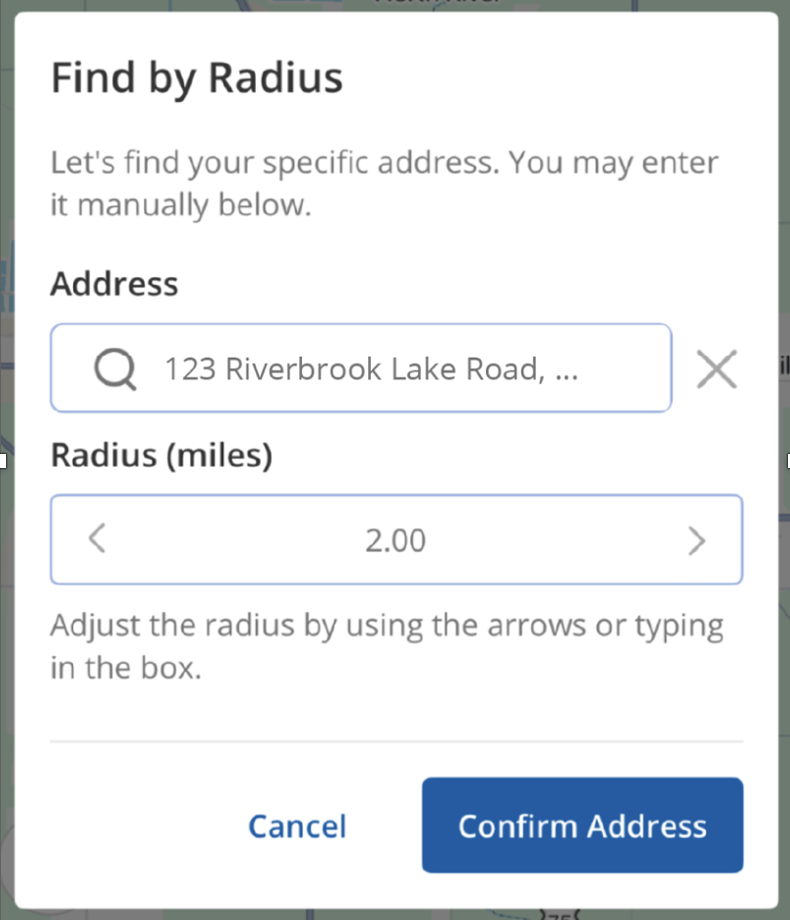 Save Time Adding Contacts from Your Phone Quickly add new contacts by importing them directly from your phone’s contact list instead of entering their information manually. Simply tap Import Contact, then select a contact from your phone’s contact list. Your contact’s information will autofill in the app. You can then quickly save the contact to your Flexmls account. Imported contacts will automatically sync to Flexmls desktop. 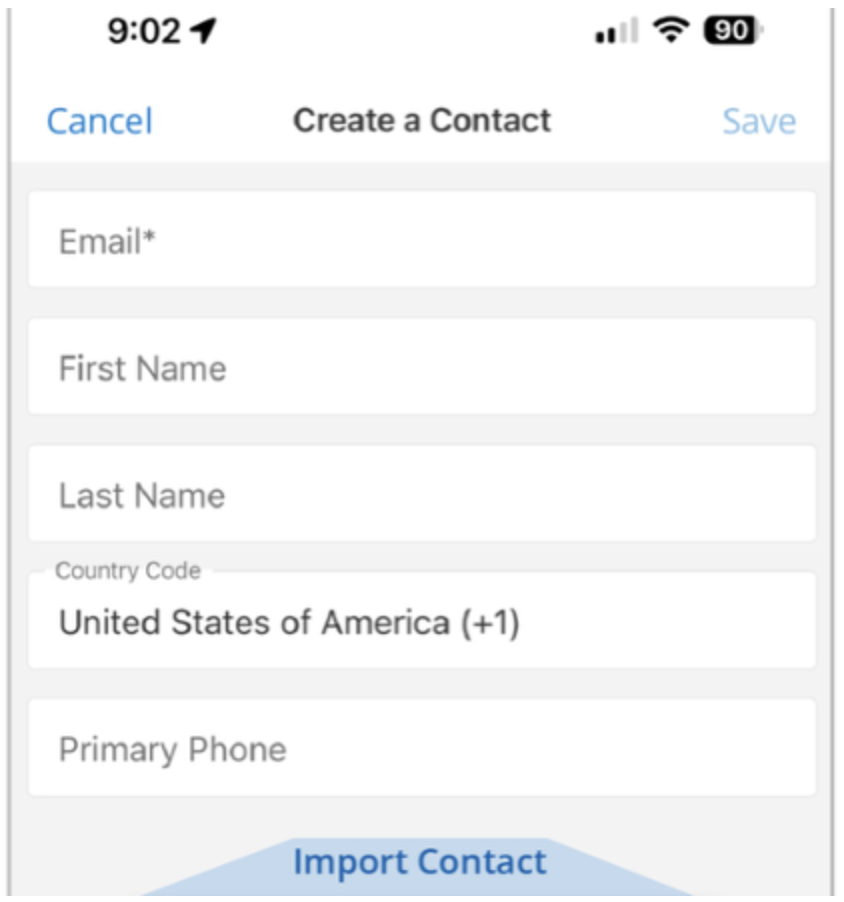 Selecting and Clearing Listings Workflow has Changed (Android and iOS updated) This update was available on Mobile Web previously. It has now been applied to iOS and Android native Flexmls Pro apps. The Selected Collection has been removed from the the Collections page. When you select listings using the checkbox at the corner of a property on the map or on the details page they will automatically be added to a new Selected field at the top of the list or properties. 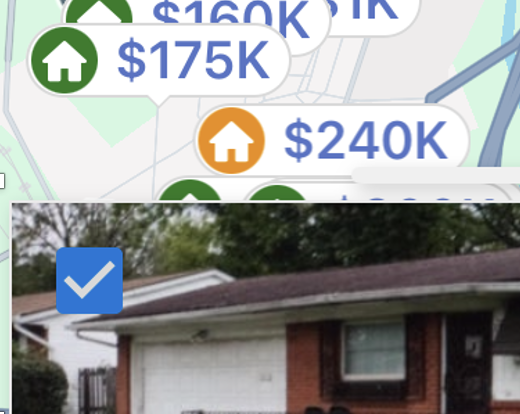 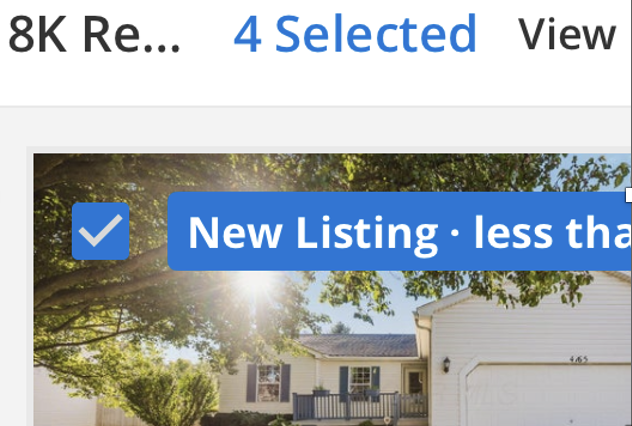 You will be asked whether you wish to clear all previously selected listings at once before beginning a new search. As soon as you begin a new search, you will automatically be prompted to either keep, clear, or always clear your selected listings. 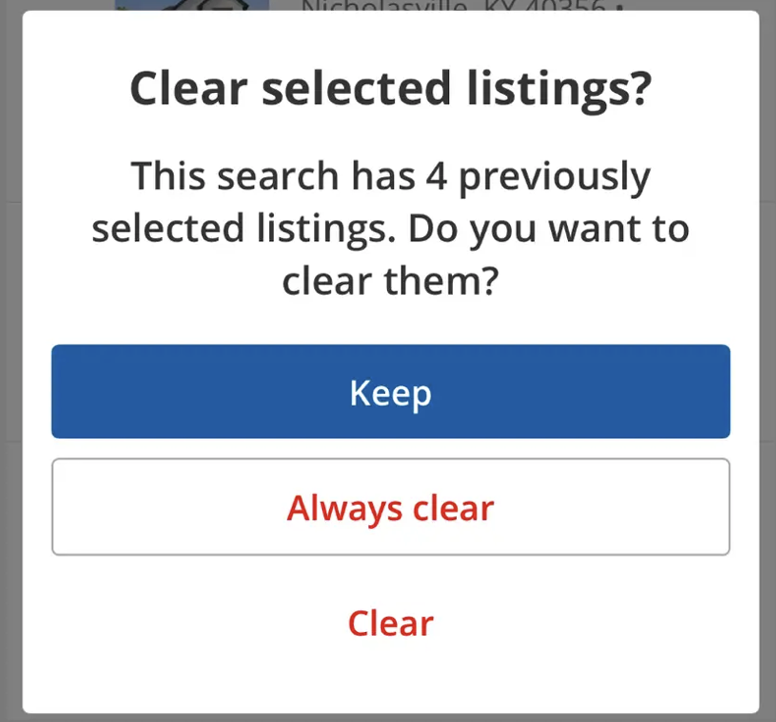 See More Listing Details at a Glance The new List View gives you a data-rich look at your search results, making it easier to scan and compare listing information without opening each listing individually. Swipe left or right horizontally to see additional details. Click on the MLS number to open a listing when you’re ready for a closer look. 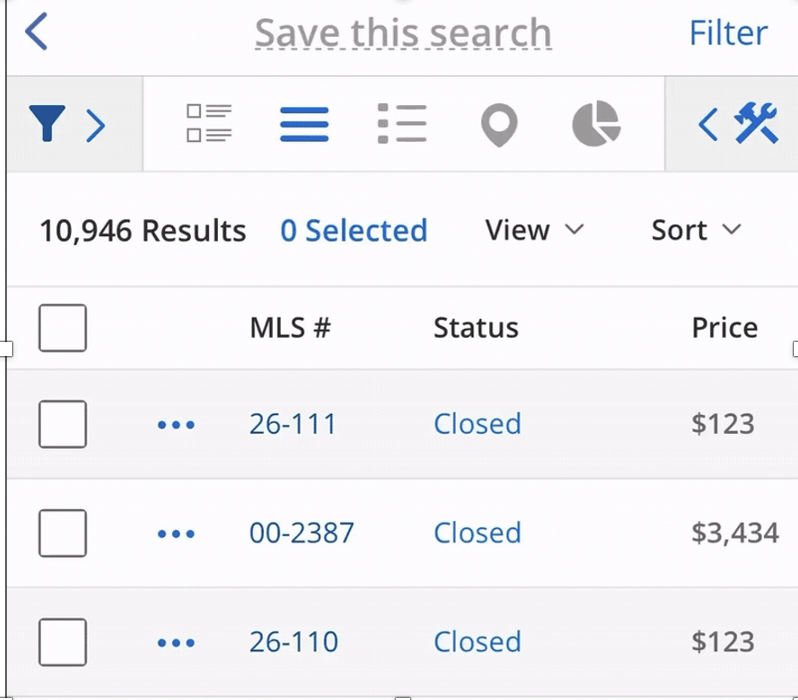
| ||||||||||||||||||||
|
MLS Tip: Showings of Any Kind are Prohibited During a No Showings Allowed Period What is a No Showings Allowed Period?
Are there any exceptions?
Is there a penalty if a showing occurs?
MLS Policy Referenced: 1.05.04 – Showing a Listing During a No Showings Allowed Period MLS Tip: Showings of Any Kind Prohibited During a No Showings Allowed Period
| ||||||||||||||||||||
|
New “Showing Service Name” field in MLS The new “Showing Service Name” field now allows the listing agent to select which showing service will be used with each new listing they enter into the MLS. Notable changes for showing service selection:
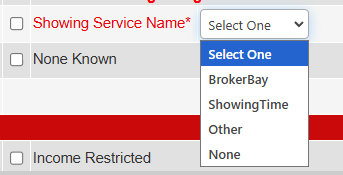

Schedule Supra One Training, Checklist, and FAQ: https://columbusrealtors.com/supra-one-brokerbay *Even if you do not plan on switching to Supra One/Broker Bay, we recommend attending a training session and claiming your log-in
| ||||||||||||||||||||
|
Supra One Launch is Coming… 
*Even if you do not plan on switching to Supra One/Broker Bay, we recommend attending a training session and claiming your log-in
| ||||||||||||||||||||
|
RESOLVED Realist Service Interruptions 4/1/2026 Realist has reported that service was restored for Realist around 7pm 4/1/2026 To prevent future connection issues, we will be applying additional fixes during an overnight maintenance window tonight.” Realist is currently experiencing an interruption impacting our MLS Load Tax Record and Realist Tax search. At this time Tax Information will need to be added to listings manually. Please see message from Realist below. “We’re aware that some of you are having trouble accessing Realist. Our engineering team is already on the case and working hard to get things back to normal.
| ||||||||||||||||||||
|
Flexmls and Member Portal Maintenance – March 28 – 9pm There will be scheduled maintenance that will impact your access to the Member Portal and FlexMLS beginning at 9 p.m. on Saturday, March 28, and continuing until 9 a.m. on Sunday, March 29 During this scheduled maintenance, all tools and services involving the member portal will be unavailable. If the scheduled maintenance lasts longer than expected, we will provide updates on social media and through email.
| ||||||||||||||||||||
|
Columbus REALTORS® to Offer Supra One Showing Service as a Member Benefit in 2026 For the first time, Columbus REALTORS® members will receive access to a showing service as a member benefit. Supra One (formerly BrokerBay) is Supra’s showing management and scheduling service. This member benefit will be introduced later this Spring. Supra will be holding two Agent Trainings via Zoom. These sessions will focus on account setup and configuring showing instructions. More agent trainings will be scheduled prior to launch. There are video training calls for agents on Monday, March 9 at 11 a.m., and another on Friday, March 6 at 11 a.m. Register for Supra One Agent Training: Monday or Friday
| ||||||||||||||||||||
|
MLS Taxes: Time to Update “Tax (Yrly)” and “Tax Year” for 2025 It’s time to update the tax information on your listings for the 2025 tax year. For listings that are not in a CANCELLED or CLOSED status, these fields can be edited along with other listing fields by editing the listing values through LISTING INFORMATION. This action can be taken by the broker/office admin or by the listing/co-listing agent. This routine remains an important manual operation for REALTORS® to complete at the beginning of each year. While Realist can auto-populate the Yearly Taxes and Tax Year for you when you first enter the listing, it cannot automatically update them when those figures change. Many county auditors have updated their tax records already or will finish their process in the next few weeks, for each parcel in their taxing districts for the most recent tax year. Voter approved school and bond levies impact those figures each year along with auditor reassessments or owner appeals of property valuation. Most real estate taxes change annually. It is important that REALTORS®, clients, and even sellers be kept apprised of these ever-changing figures.
|
